

First-time login
Hoard needs a one-time headed login to TCGplayer so you can solve the CAPTCHA. After that, the session cookies are saved and headless mode works. If you use Hoard Desktop, you do not need to run a command. Start a sync and log into the browser window Hoard opens for you.
”Session expired” errors
TCGplayer sessions expire after a few days. When this happens you’ll see a session/login error in the agent log, and Hoard needs you to sign in again. Run Hoard Agent in headed mode again:The browser opens but nothing happens
Hoard waits up to 120 seconds for you to complete the login. If the page is blank or stuck:- Wait for the page to fully load
- Enter your TCGplayer email and password
- Solve the CAPTCHA
- Hoard detects the redirect to the dashboard and continues automatically
Login fails before reaching the dashboard
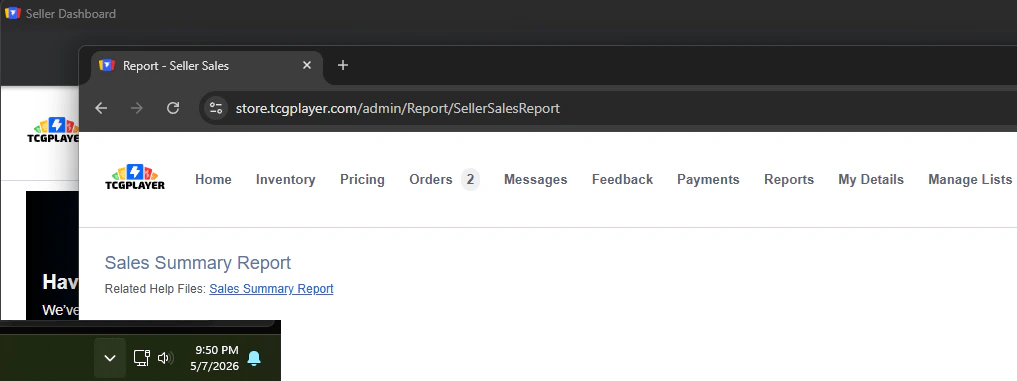
If Hoard never lands on the TCGplayer admin dashboard, you’ll see a session/login error in the agent log. This means Hoard couldn’t verify a valid TCGplayer session — the cookies are expired or invalid. Fix: Run withHEADED=1 and log in manually.