

What Hoard does
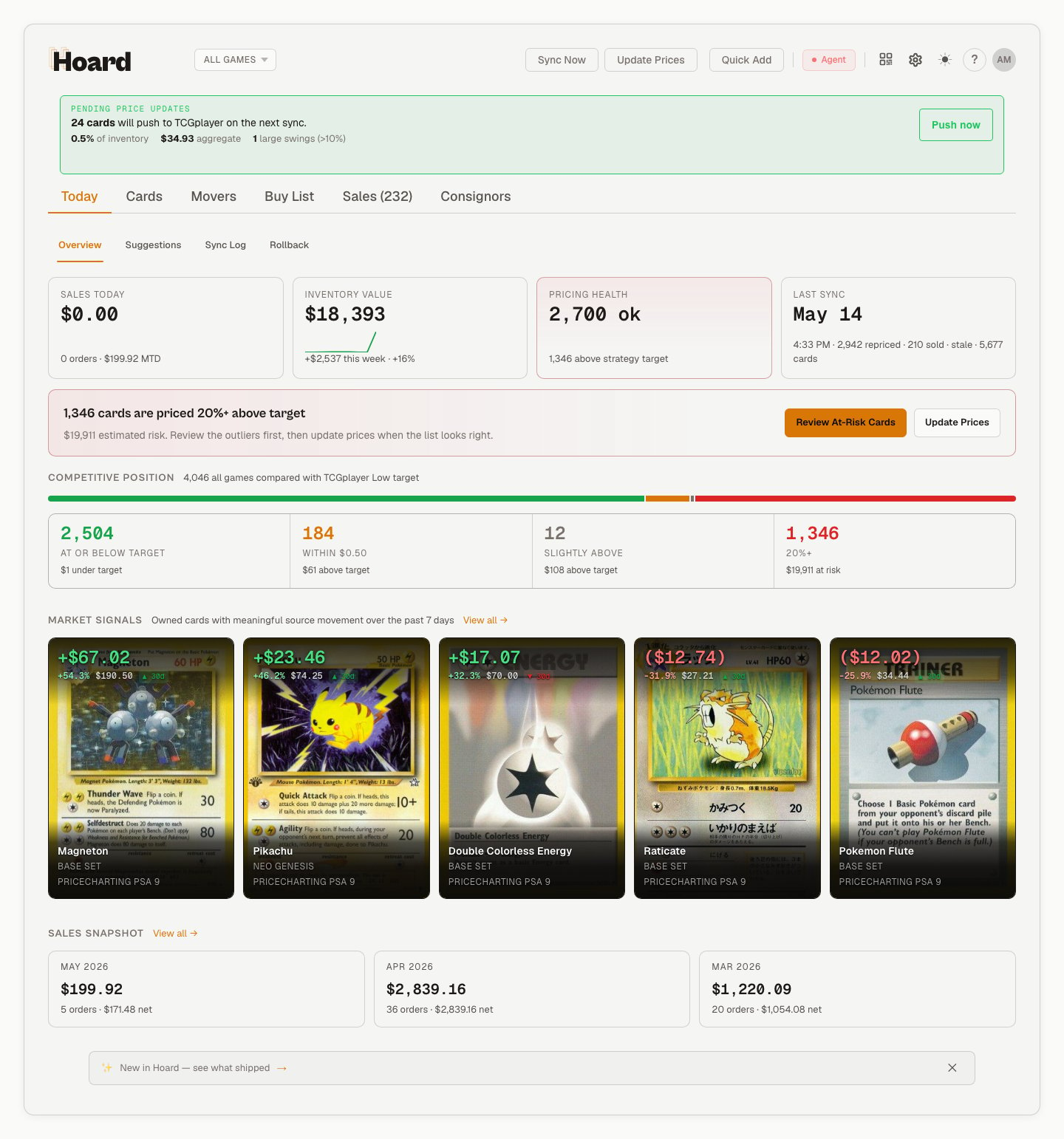
- Automatic inventory sync: Exports your seller inventory and imports it into Hoard’s dashboard
- Automated repricing: Calculates optimal prices based on market data and applies them to your listings
- Daily dashboard: Shows sales, inventory value, pricing health, sync status, and follow-up work at a glance
- Market movers: Tracks which cards are moving in price so you can spot trends
- Sales workspace: Open orders, pull sessions, customers, returns, shipping mix, revenue, fees, and net sales
How it works

Your data is safe
We never see your marketplace login
We never see your marketplace login
You log into TCGplayer directly in a browser window on your computer. Hoard’s servers never receive, store, or transmit your marketplace credentials. Your session stays local.
Privacy and data protection
Privacy and data protection
Hoard is fully compliant with GDPR and CCPA. All data is encrypted at rest and in transit. We never sell your data, and you can request full deletion of your account and all associated data at any time.
Safe to install
Safe to install
Hoard runs locally on your machine. It adjusts prices and can create new listings when you publish cards from Quick Add. It never deletes listings. Every change is logged on your dashboard so you can see exactly what happened. The browser engine is open source — you can read every line of code it runs.
You're always in control
You're always in control
Automatic syncing is 100% optional. You can sync manually whenever you want, pause Hoard at any time, or turn off auto-sync entirely. Nothing happens without your permission.
Who it’s for
- MTG, Pokemon, One Piece, Yu-Gi-Oh!, Lorcana, Riftbound, and other TCGplayer-supported product line sellers
- Serious individual sellers who want automated repricing
- Anyone tired of manually exporting CSVs and adjusting prices in spreadsheets
Supported platforms
Two ways to run Hoard
There are two ways to get Hoard running on your computer. Both do the same thing, they just differ in how you manage it.
Not sure? Start with Hoard Desktop. You can always switch to Hoard Agent later.
Getting started
Hoard Desktop Setup
Download the app and start syncing in 3 minutes
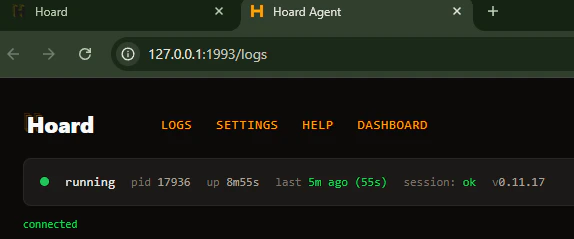
Hoard Agent Setup
Run Hoard from the command line