

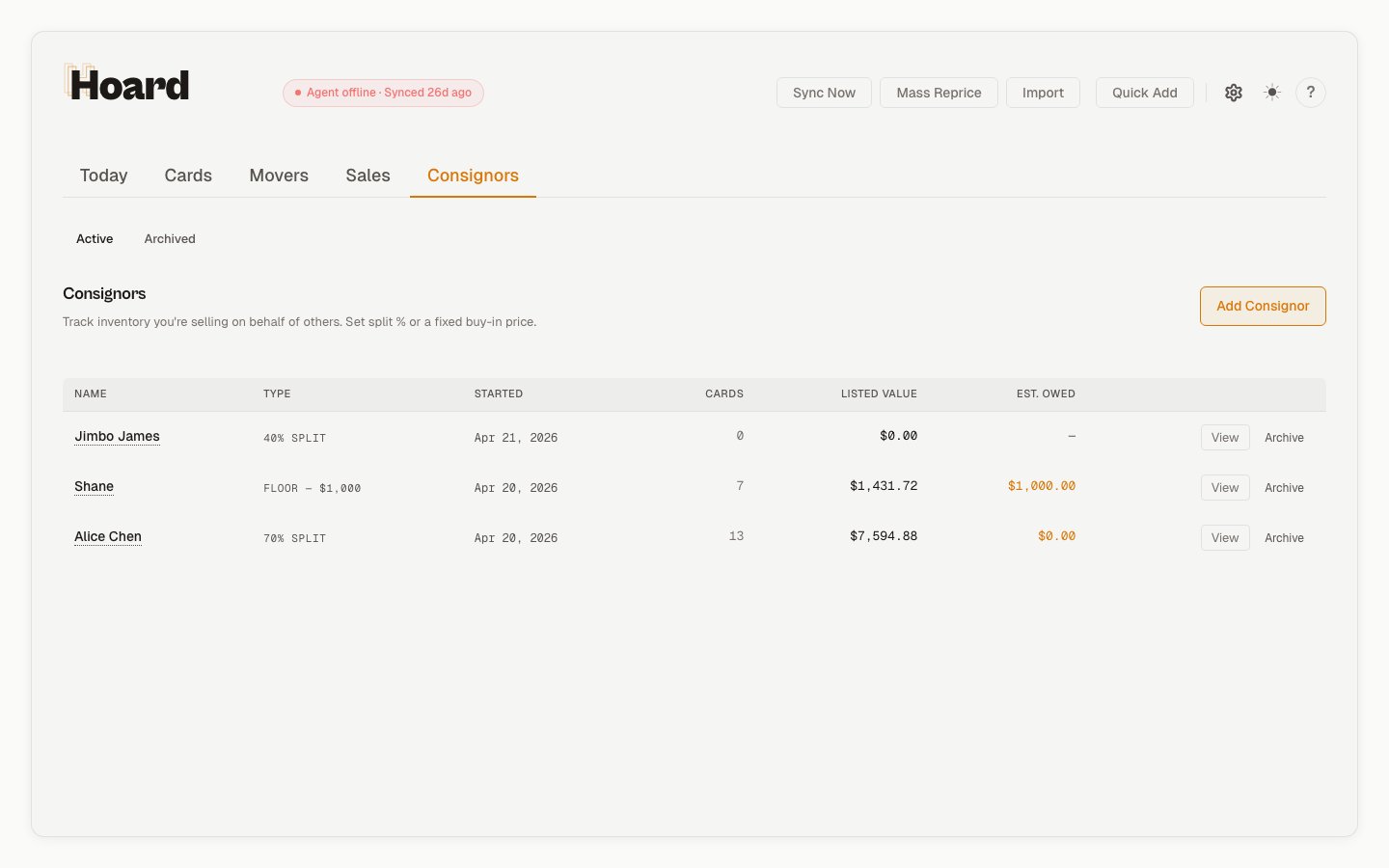
Three models
What you see
Each consignor has a detail page showing:- Cards held and their current listed value
- Est. sold based on inventory changes over time
- Net owed after deducting payouts and adjustments
- Payout history with dates, amounts, and payment methods
- Share link for a read-only report you can send to the consignor
Assigning cards
After each sync, a banner appears if new cards haven’t been assigned to anyone. Click it to bulk-assign them. You can also assign individual cards from the card detail slide-out in the binder. The consignor filter dropdown on the Cards tab lets you view just one consignor’s cards, unassigned cards, or everything. For larger drop-offs, Hoard can bulk-assign by criteria instead of a hand-picked ID list. Use criteria such as product line, set name, condition, minimum listed price, and maximum listed price to assign a clean slice like “all Near Mint Bloomburrow cards under $1” to one consignor. Criteria-based assignment excludes cards already assigned to someone else and caps each call at 1,000 cards; if the criteria are too broad, Hoard asks you to narrow them. If you remove ownership from an archived or deleted consignor, Hoard moves those copies back to Mine. This keeps old consignor records from blocking cleanup when you are correcting inventory.Payouts
Record payouts with the amount, payment method (Venmo, PayPal, CashApp, bank, cash), and an optional reference number. If you stored the consignor’s payment handle, Hoard can open the payment app with the amount pre-filled.Adjustments
For returns, damages, or disputes, record an adjustment (positive or negative dollar amount) with a reason. Adjustments flow into the net owed calculation immediately.Gross vs net fee basis
Choose whether the consignor’s split applies to the gross sale price or the net price after TCGplayer’s fees. Net deducts a ~10.25% fee plus a flat 0. On low-priced cards the flat fee dominates: a 0.36. Net gives you a more accurate picture of what you actually kept.Sharing reports
Generate a private link that shows the consignor their inventory at your current listed prices. The link looks liketryhoard.com/c/<share_token>, works without logging in, and is the same share-link mental model as the public binder — short token, no auth, read-only.
What the consignor sees: the cards you’ve assigned to them, your current listed value per card, a listed-value total, and the payouts you’ve already sent them (date and amount). What the consignor does not see: your pricing strategy, your markup, the split percentage, any other consignor’s data, or anything from the rest of your store. The page is scoped to that one consignor.
A consignor’s share link is generated once and can’t be rotated from the app. If a token has been shared somewhere you didn’t intend, email support@tryhoard.com.